
Create campaigns
Turn brand assets into campaign visuals and publish across your social channels.
Bridge your daily apps with the smartest models to streamline cross-platform work.
Powered by Leading Models
Connected Apps
Turn brand assets into campaign visuals and publish across your social channels.
Bring client updates and key insights together to create concise meeting briefs.
Track social performance and turn insights into fresh, competing content ideas.
HIX AI helps you connect to your apps, access work content, and automate routine tasks.
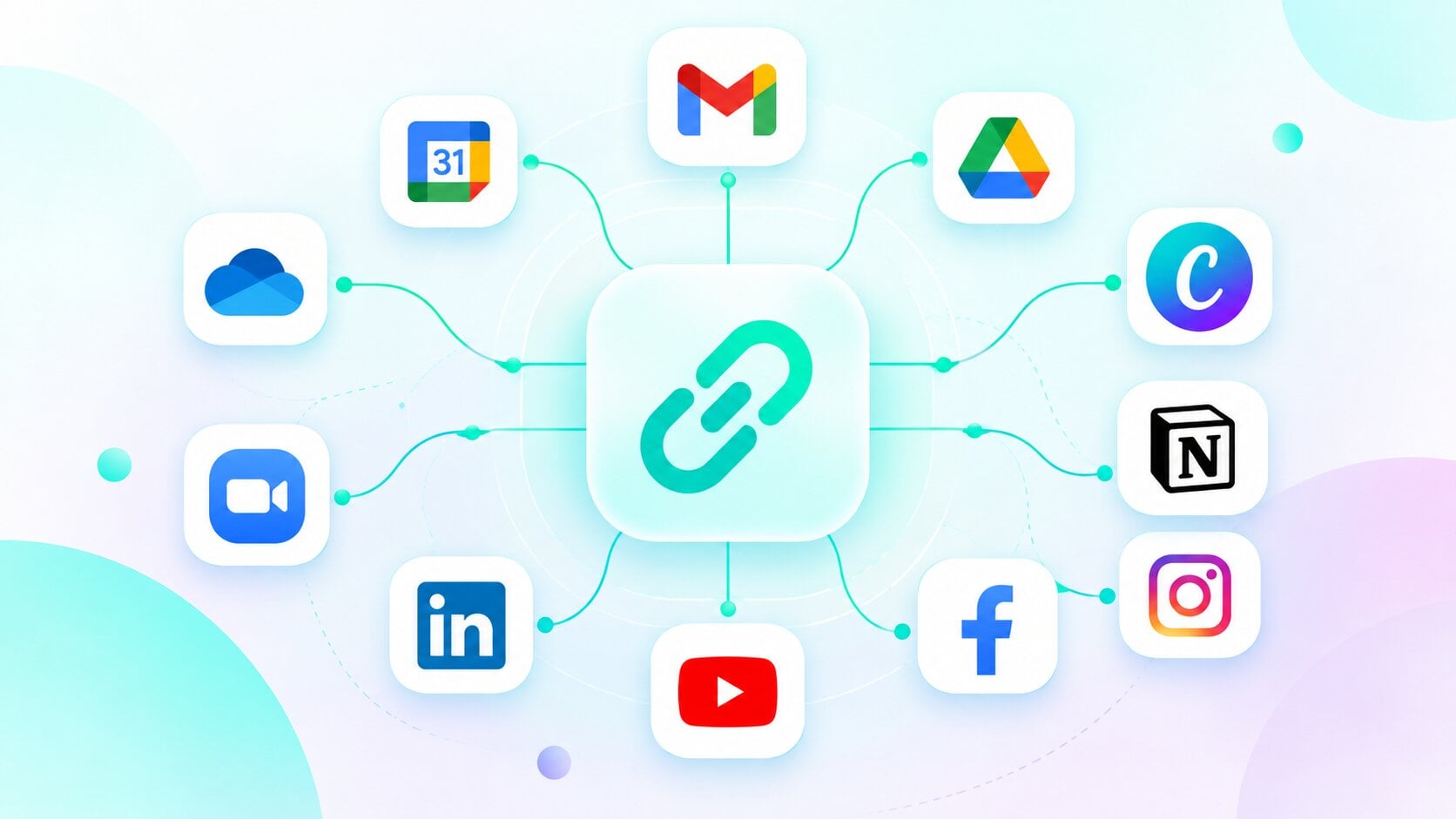
Link HIX AI to 13 popular apps including Gmail, Outlook, Google Drive, OneDrive, Zoom, Notion, Canva, Instagram, and YouTube. Manage your work and content from one place without switching tabs.
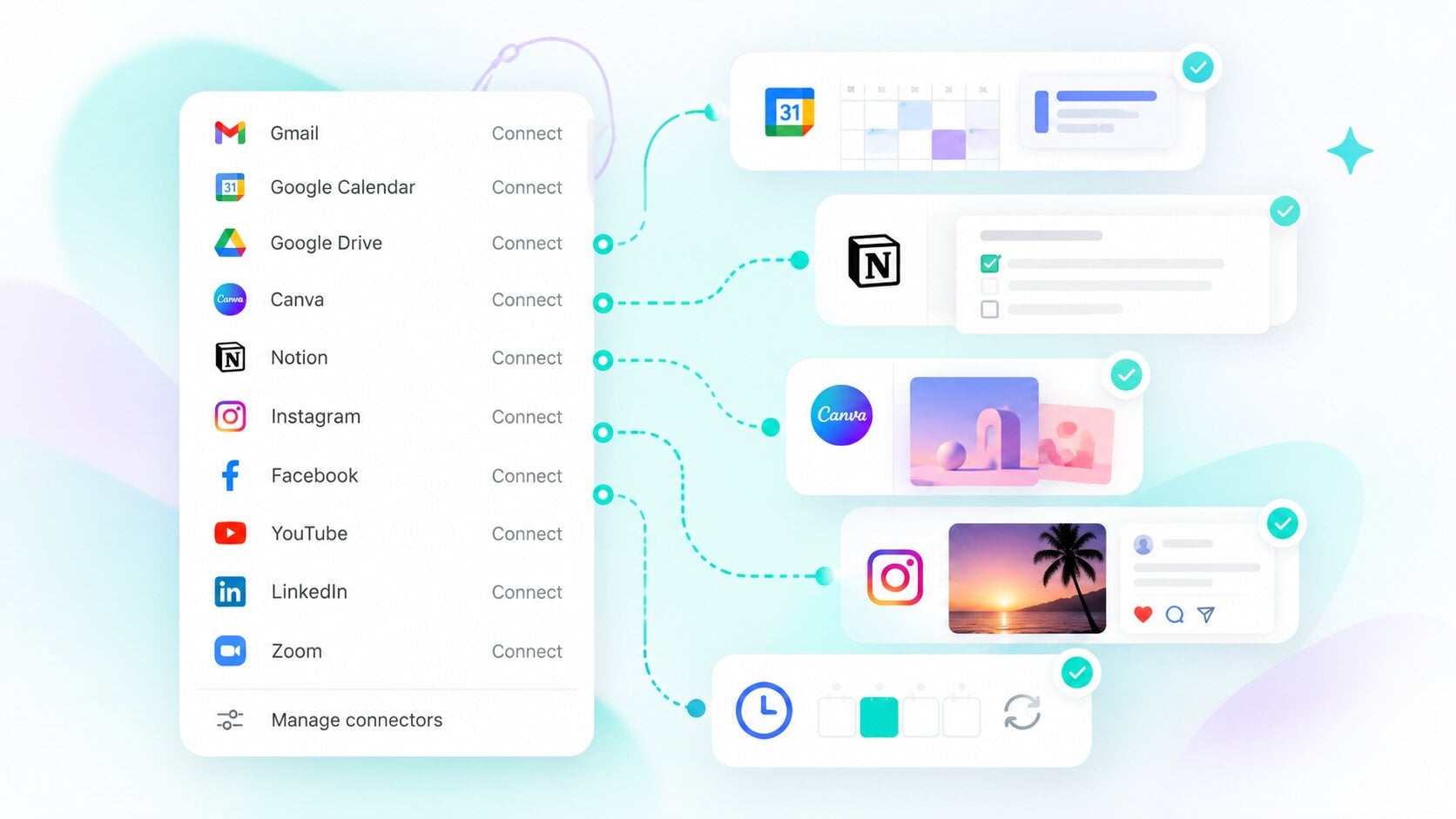
Just tell HIX AI what apps to link and what action to do. It schedules meetings, updates Notion, creates designs, or posts to connected social accounts. Combined with Scheduled Tasks, you can run actions at a set time or on a recurring schedule with your apps.

After posting to Instagram, Facebook, or YouTube, HIX AI pulls the analytics from each platform and organizes them into a clear performance summary. Use the insights to keep your content cycle connected and data-driven.
Plan videos, write captions, and design thumbnails in Canva, then publish to Instagram, Facebook, or YouTube from one chat.
Turn campaign plans into action faster. Save briefs and content calendars to Notion, create visuals in Canva, and publish to connected social accounts.

Draft promotions, create eye-catching graphics, post updates to your social pages, and schedule client calls, all through simple requests.
Manage client meetings, proposals, and shared files across Google and Microsoft tools in one place.
Connect the apps you already use, tell HIX AI what you need, and get your work done.
Connect your apps through the connectors menu or by talking to HIX AI.
Tell HIX AI your goal in plain language. It identifies the right app and then completes the task for you.
Before anything is published or modified, preview the text, media, target account, and settings. Edit or cancel as needed, then approve.