SocialSight AI Video Generator

SocialSight brings AI video models together to turn prompts and images into video clips. HIX AI takes a storyboard-led approach: it develops a script, plans scenes shot by shot and creates subject references to guide visual consistency. Review the storyboard and refine the video through chat in one workspace. Try HIX AI Now!
Key Features of SocialSight
- Video Model: Access a range of advanced models, including Seedance 2.5 and Kling 4.0.
- Text to Video: Turn a written prompt into a video clip.
- Image-Guided Video: Use an image to guide a video’s starting frame or appearance.
- Native 1080p Video: Generations run from 480p to 1080p natively, with Seedance 2.5 at the top tier.
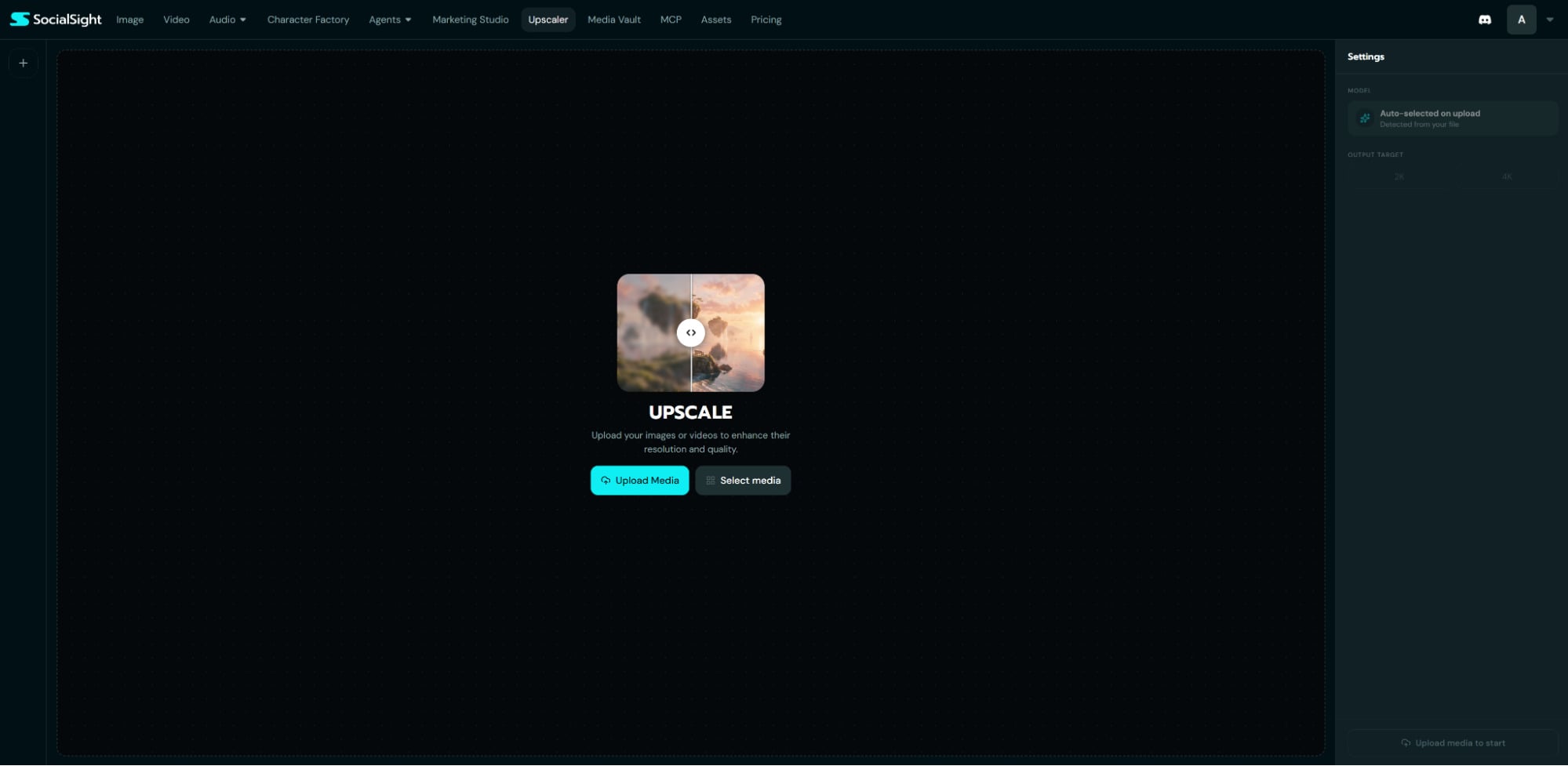
- 4K Upscaling: Push any finished clip to 2K or 4K in a single pass.
- Clip Extend: Start with a 4- or 5-second render, then extend the take instead of regenerating it.
Video Models
SocialSight brings several AI video models into one generator, including Seedance 2.5 and Kling 4.0. Creators can select a model to turn a written idea into a clip and explore different approaches to scenes and motion.
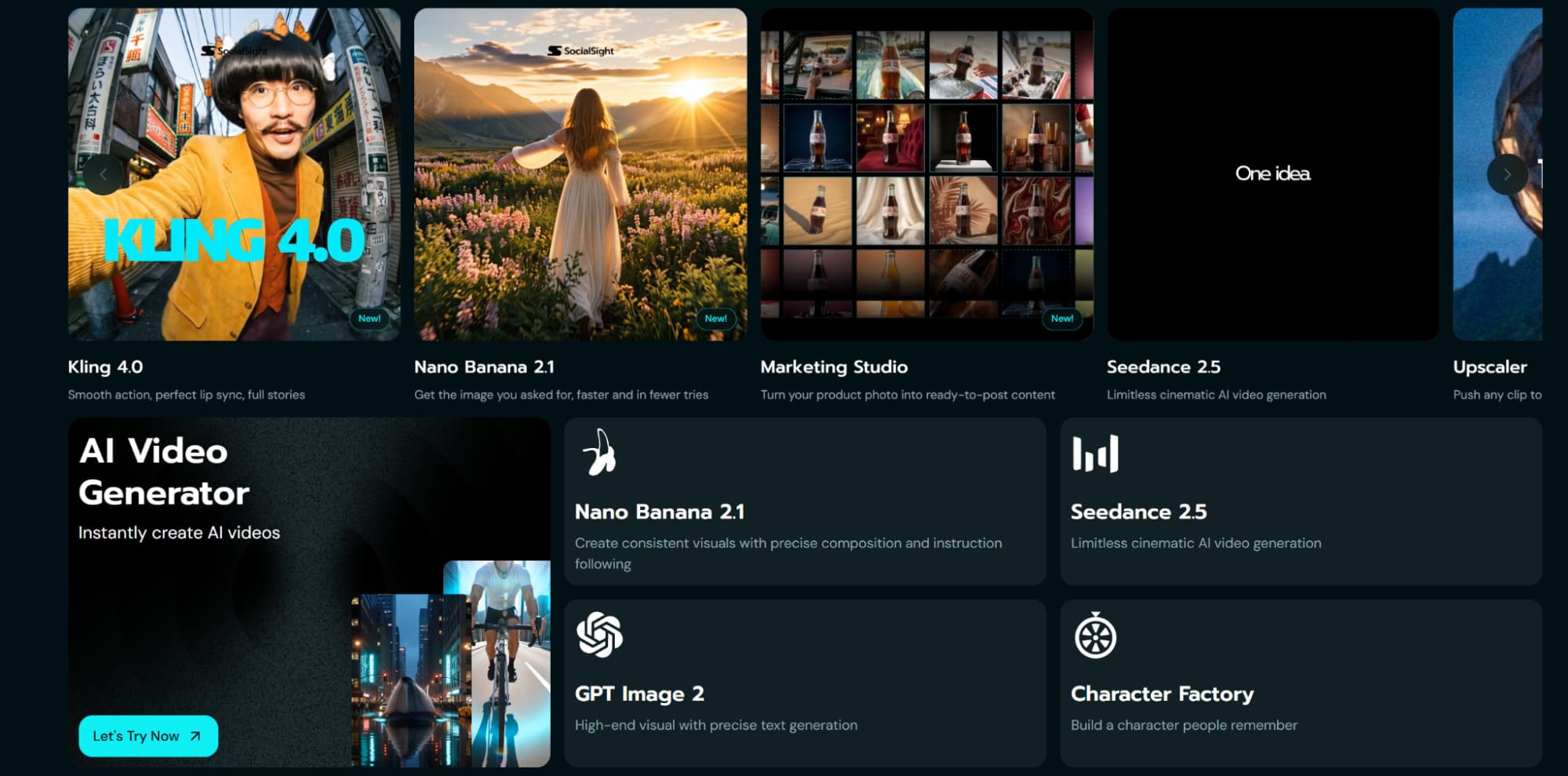
Text to Video
SocialSight’s Text to Video turns written descriptions into video clips. A prompt can describe the subject, setting and action, allowing creators to present an idea as a moving scene. It can be used for visual concepts, social content and short scenes developed from text.
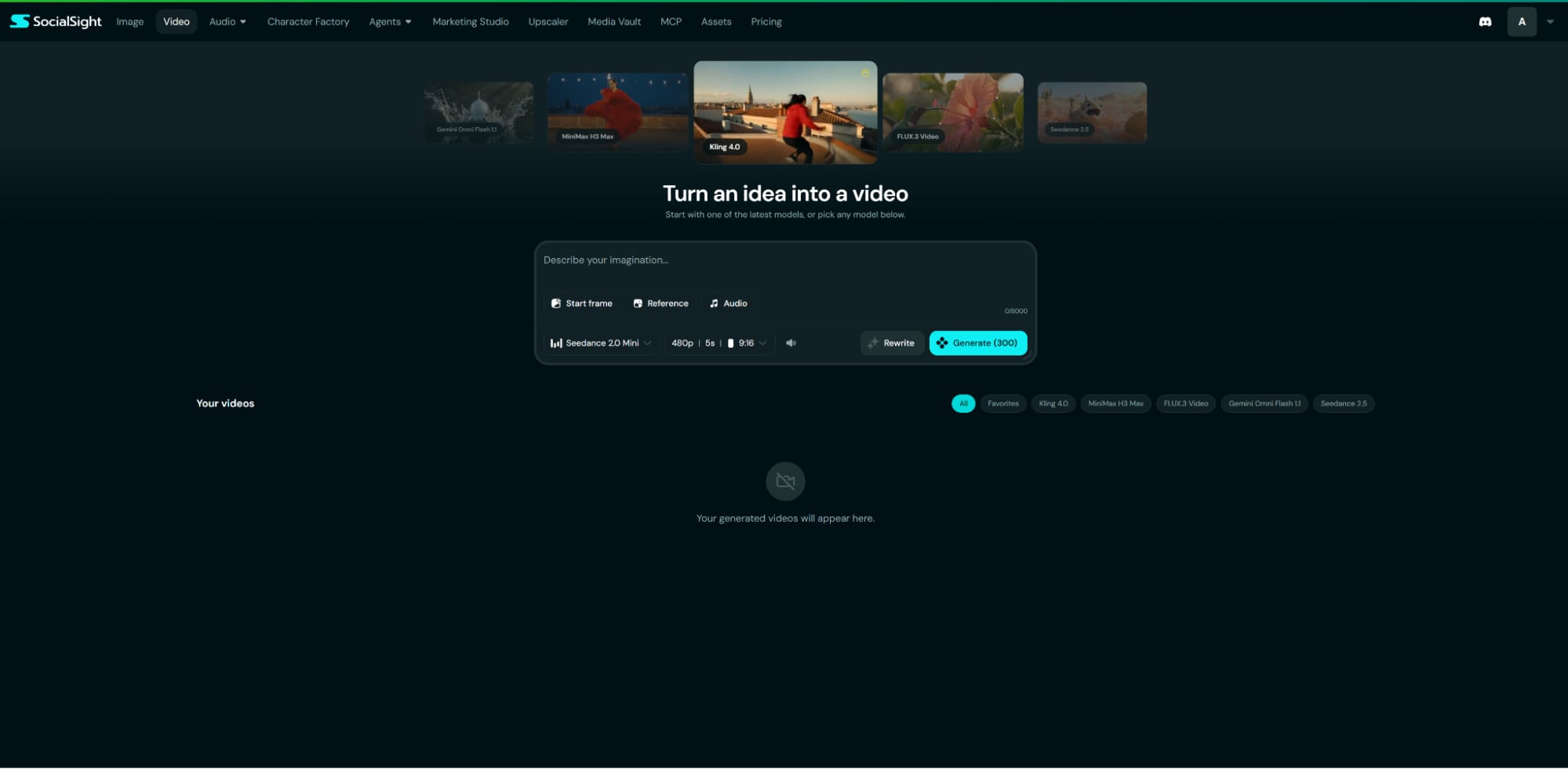
Image-Guided Video
SocialSight’s Image-Guided Video uses an image as a starting frame or visual reference for a generated clip. The image provides a visual starting point for the scene, helping creators develop videos around an existing subject, product or setting.
Native 1080p Video
SocialSight’s AI video generator offers 1080p output, providing a high-definition option for video projects. It gives creators a higher-resolution choice for content intended for online viewing, social media or presentations.
4K Upscaling
SocialSight’s Upscaler enhances the resolution of finished video clips, with 2K and 4K available as output targets. It provides a way to prepare an existing video for higher-resolution delivery, such as viewing on larger displays or inclusion in a higher-resolution project.
Clip Extend
SocialSight’s Clip Extend adds footage to the end of an existing video, allowing a short take to develop into a longer sequence. It gives creators more room to continue an action or scene while building on an opening they already have, instead of starting the entire clip again.
SocialSight: The Pros and Cons at a Glance
Pros
- Puts several top-tier engines in one studio, from Seedance 2.5 to Kling 4.0.
- Reaches 1080p natively, then 4K through a single-pass upscaler.
- Extends a 4- or 5-second base render into a longer take rather than re-rolling it, so an opening you already approved stays approved.
Cons
- Base renders stop at 4 or 5 seconds, so longer cuts depend on the Extend toggle.
- Native output caps at 1080p, with 4K arriving only after a separate upscale pass.
- There is no automatic engine routing; matching a brief to the right model is the user's call.
SocialSight in Action: Real-World Applications
- Product Ads at Volume: Marketing Studio turns one product photo into ready-to-post stills and clips. Ten preset categories keep a campaign looking like one campaign.
- Multi-Beat Story Shorts: Draft a narrative arc inside Kling 4.0, then extend only the beats that need more room. An opening that already plays keeps its rhythm instead of being re-shot from scratch.
- Pre-Viz Before Production: Generate the look you want to pitch, not the one you can afford to test.
- Late-Stage Cleanup: The upscaler pushes a 1080p cut to 4K in one pass. VFX then replaces the background when the set has to change after generation.
The Creator's Voice: How Real Users Rate SocialSight
A reviewer on Trustpilot puts the problem in one line: the AI does not follow simple prompts or directions. Simple ones — that is the part that stings. When a tool ignores the line it was handed, a brief stops being an instruction and becomes a suggestion, and every render turns into a guess at what the model decided instead.

The HIX AI video agent handles that moment differently. The brief is turned into a script, then a storyboard, then a shot list — every direction written down and shown on screen before a frame is rendered, so what the tool understands is something you can read. Each shot is described on its own instead of folded into one prompt.
Edits stay open at every stage — change a line, swap a shot, re-cut a scene. Following the direction stops being a hope and becomes a check.
SocialSight vs Krea vs HIX AI
| Comparison Aspect | SocialSight | Krea | HIX AI Video Agent |
| Core Focus | Studio built around Seedance 2.5 and Kling 4.0 for video, Nano Banana 2.1 for stills | Creative suite for generating, editing and animating across many models | Workspace covering video, image and prompt-based editing in one place |
| Model Access | Four generation models, from Seedance 2.5 to GPT Image 2, plus Marketing Studio, Character Factory and an upscaler | Dozens of image and video models, from Veo and Sora to Krea's own | More than twenty video models, including Kling 4.0, Veo, Seedance 2.5, Wan 3.0, Gemini Omni 1.1 Flash, MiniMax H3 Max |
| Video Output | 4 or 5 seconds per render, 480p to 1080p, 4K through the upscaler | Up to 30 seconds and 1080p on some models, upscaled to 4096 × 2160 | Up to 2 minutes and 1080p or 4K, depending on the engine |
| Editing Workflow | Presets, Marketing Studio and background swaps after generation | Real-time canvas, node workflows and custom LoRA training | Script, individual shots and final cut on one infinite canvas, edited by AI chat |
What Makes HIX AI the Superior Choice
- 1
Storyboard First, Render Second
HIX AI drafts the script and storyboard before generating the video, so creators can review the story and shots before the footage is rendered.
- 2
One Character, Every Shot
HIX AI uses multi-view subject designs to support consistency across shots, adding sound, voiceovers and background music to the video.
- 3
One Canvas, Edited by Chat
The video project stays on one canvas, where AI chat helps creators revise the script, adjust a shot or refine a scene without switching tools.